
Speech input
NomiFun can record and transcribe speech directly from the home screen or conversation composer. Use a configured cloud speech model, or download local ASR so recognition runs on your own device.
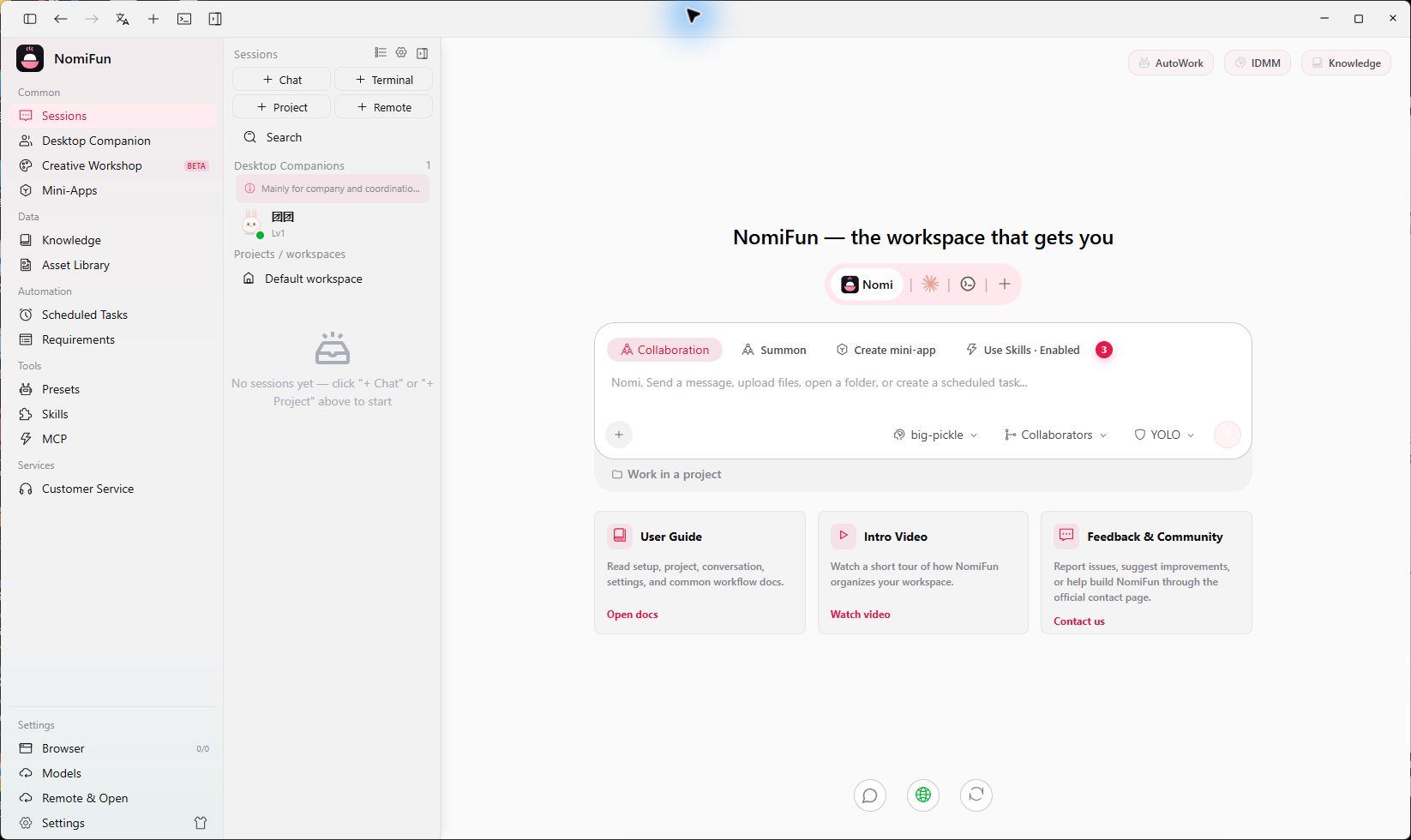
Choose a recognition source
Open Model Management from the sidebar and select Speech to Text.
Use local ASR
- Click Manage Local ASR.
- Choose a model from Speech Recognition:
- FunASR Paraformer Chinese is recommended for primarily Chinese input;
- Whisper Small is a lighter way to start with multilingual recognition;
- Whisper Large v3 Turbo is larger and aimed at higher-quality multilingual recognition.
- Install the model and wait for the model plus runtime components to finish downloading.
- Activate the installed model.
- Return to Speech to Text, select the local model, and enable speech input.
Local models use disk space; the install page shows each download size. You can deactivate or remove a model later.
Use a cloud speech model
- Under Model Services, add a provider and model that supports speech recognition, such as OpenAI-compatible Whisper or Deepgram Nova.
- Return to Speech to Text and select the provider and model as the source.
- Set the default language hint and enable speech input.
Cloud recognition sends the recording to the provider you selected. Its data handling is governed by that provider’s terms.
Record in a conversation
Once configured, a microphone button appears beside the composer:
- Click the microphone to start. Allow microphone access when the operating system asks the first time.
- NomiFun shows the recording time and waveform; click again to stop.
- After transcription, the text is appended to the composer rather than sent automatically.
- Review or edit the text, then send it like any other message.
The same speech configuration works on both the home screen and active conversations.
Troubleshooting
No microphone button. There is no ready speech source, or speech input is disabled. Check Model Management → Speech to Text.
A local model is installed but unavailable. Make sure the download completed and activate the model on the Local ASR page. Reopen Model Management after an application update to refresh the status.
The recording is silent. Allow NomiFun to use the microphone in your operating system’s privacy settings, then record again.
Chinese recognition is weak. Try the FunASR option marked as recommended for Chinese. For multilingual work, try Whisper Large v3 Turbo.
Related
Source code and release history → GitHub