
System settings
The redesigned settings area separates application preferences, execution engines, Browser Use, Computer Use, and About into clear destinations. Open it from Settings at the bottom of the sidebar.
System settings
This page controls everyday preferences:
- interface language and the message-send shortcut;
- start on boot, keep awake, and hardware acceleration;
- system and scheduled-task notifications;
- whether uploads are saved to the workspace and Office files preview automatically;
- the default working directory and log directory;
- factory reset.
When a working-directory or hardware-acceleration change requires a restart, NomiFun tells you before applying it.
Themes
Rhythm Dark is the default. Builtin themes currently include:
- Rhythm Dark (default)
- Classic
- Neon Night
- Frosted Glass
- Sunset Afterglow
Theme changes apply immediately and persist across launches. You can also add a custom CSS theme.
Execution engines
Execution Engines now lives separately from Model Management. It detects and configures Nomi, Claude Code, Codex, OpenCode, and other execution backends, including remote OpenClaw. Model Management is focused on model providers, local models, and speech recognition.
This makes the distinction between “who performs the work” and “which model it uses” much clearer.
Browser Use and Computer Use
- Browser Use controls browser source, visibility, login state, and action approvals. New installs open a visible system browser by default so you can observe the work.
- Computer Use controls screenshots, pointer, keyboard, and native accessibility. On macOS, the first use requires Screen Recording and Accessibility permissions.
Enable these capabilities only when needed and keep approval prompts for sensitive work.
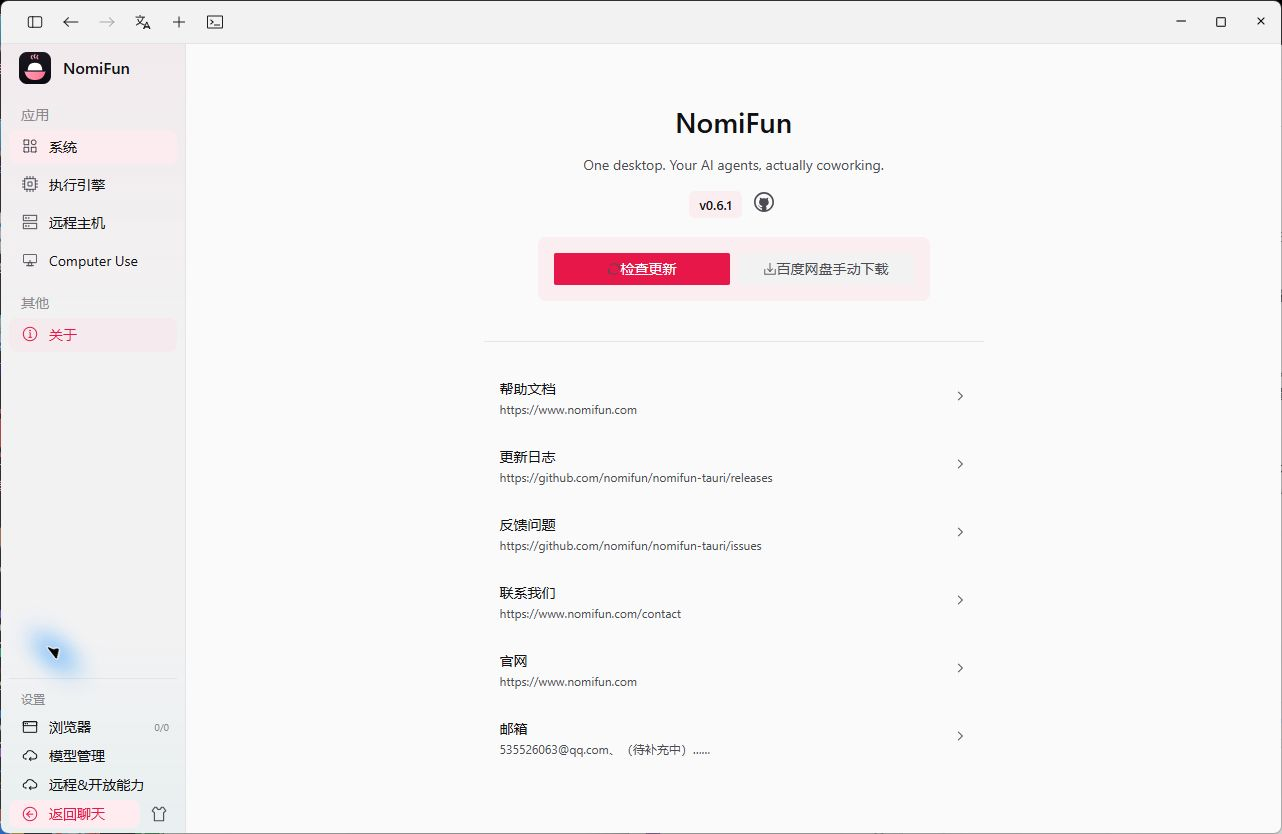
About and updates
About shows the installed version plus links to the source repository, release notes, issue tracker, and official website. Desktop builds can click Check for updates here; the bottom of the sidebar also surfaces an available update.
NomiFun is still moving quickly before 1.0, so use the About page and GitHub Releases as the source of truth for your installed and latest versions.
Data and backups
Conversations, settings, companions, knowledge bases, and logs are stored in the current user’s application data directory by default:
- macOS:
~/Library/Application Support/NomiFun/Nomi - Windows:
%LOCALAPPDATA%\NomiFun\Nomi - Linux:
$XDG_DATA_HOME/NomiFun/Nomi, usually~/.local/share/NomiFun/Nomi
Quit NomiFun before copying the entire directory for migration or backup. Factory reset removes local data, so back up anything important first.
Related
Source code and release history → GitHub