
MCP & Skills
NomiFun extends an agent in two complementary ways:
- An MCP server provides callable external tools such as search, data services, or third-party app actions.
- A Skill is a knowledge pack with instructions and resources that teaches an agent how to perform a workflow consistently.
Use MCP in the sidebar for tool servers and Skills for local Skills and Skill Market.
Connect an MCP server
- Open MCP from the sidebar and click Add.
- Choose a transport: stdio for a local command, or HTTP / SSE for a remote service.
- Enter the command, arguments, environment variables, or URL. Follow the built-in OAuth flow when a service requires authorization.
- Test the connection before saving. NomiFun completes the handshake and lists tools, with distinct errors for commands, permissions, timeouts, networking, and protocol failures.
- Select the MCP servers a conversation should actually use. Global enablement makes a server available; it does not force it into every conversation.
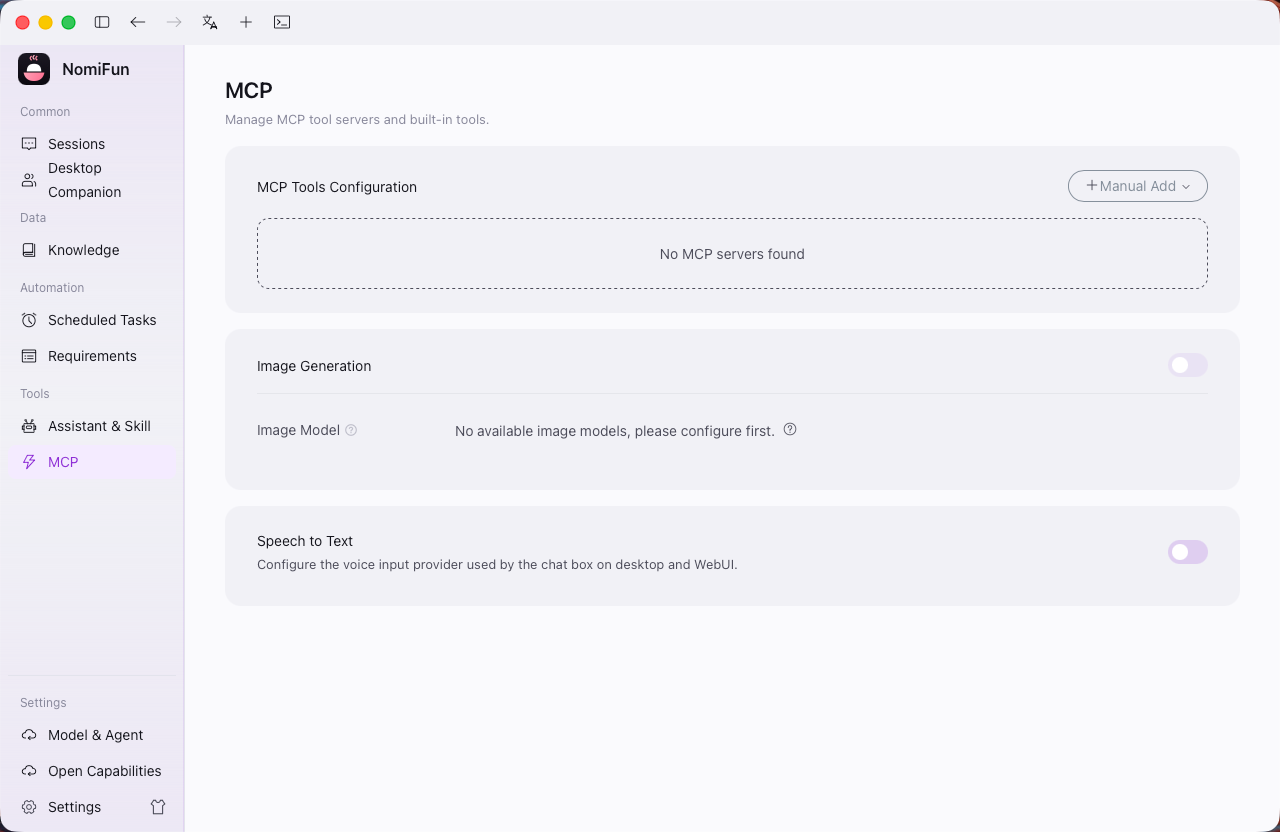
If another local agent already has MCP configuration, use import to scan and reuse it instead of entering everything again.
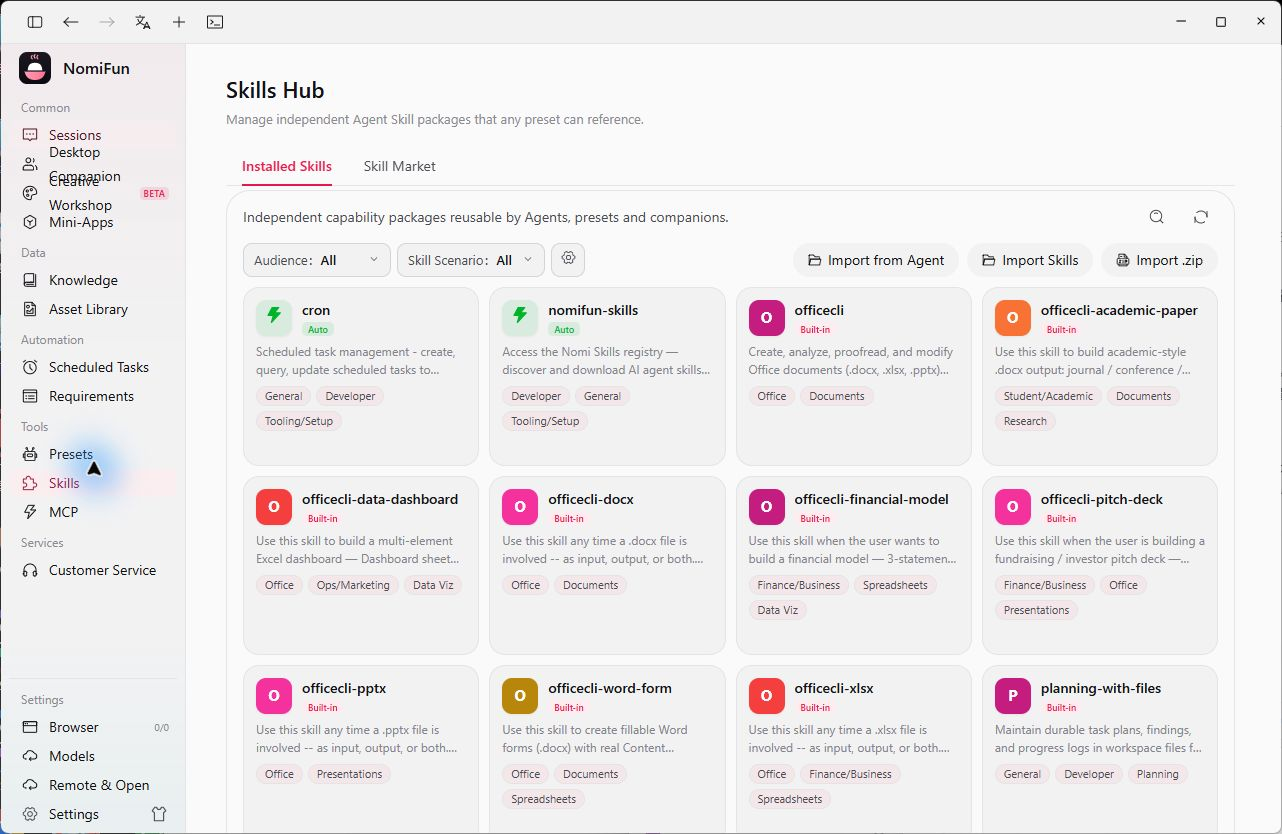
Manage Installed Skills
Open Skills and stay on Installed Skills. The library combines three sources:
| Source | Meaning |
|---|---|
| Builtin | Skills shipped with NomiFun |
| Custom | Skills you import, link, or write yourself |
| Extension | Skills provided by installed extensions |
You can inspect details, search, tag, import folders, scan external locations, and prepare Skills for different agents.
Discover Skills in Skill Market
Switch to Skill Market to sync public rankings from ClawHub and SkillHub. You can:
- switch between ClawHub and SkillHub;
- filter by search, audience tags, and scenario tags;
- inspect a card’s description and source;
- click Add to hand an installation draft to Nomi;
- review the source, destination, and planned changes before installing.
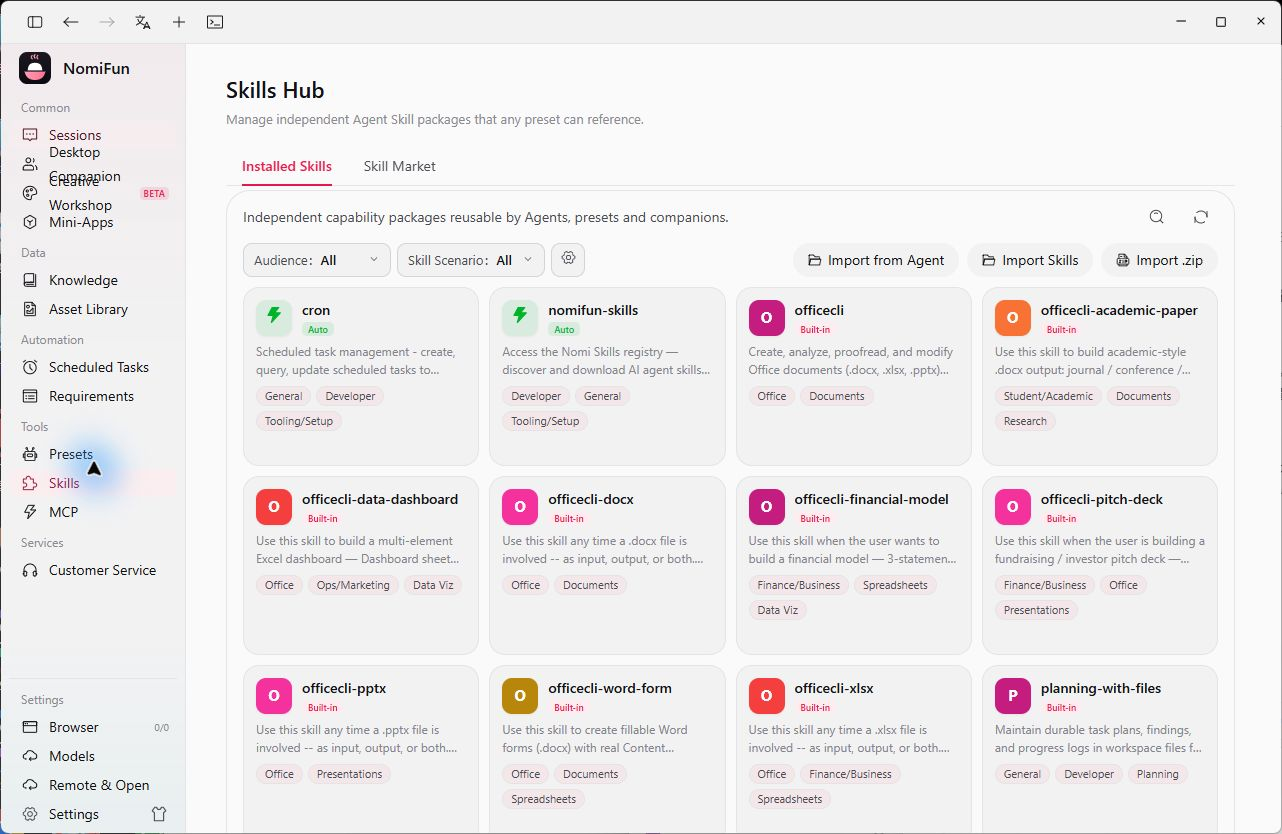
Browsing the market never silently installs anything. Discovery and execution remain separate so you can review the source and purpose before adding a third-party Skill.
General Skills and companion Skills
The sidebar Skills page manages general Skills that can be reused across conversations and companions. The skill library inside a companion belongs to that companion and captures working patterns developed through long-term collaboration. Both use the Skill format, but their scope is different.
Safety tips
- Read
SKILL.mdand any bundled scripts before installing a third-party Skill. - Give each MCP server only the permissions required for its job.
- Keep secrets in environment variables or app credential settings, not inside Skill files.
- Select sensitive capabilities per conversation instead of enabling everything everywhere.
Related
- Presets — combine common Skills and models into a one-click setup.
- Knowledge base — provide project material to a conversation.
- Companions — companion-specific Skills and memory.
Source code and release history → GitHub