
Intelligent decisioning (IDMM)
IDMM (Intelligent Decision-Making Mode) is NomiFun’s per-session supervisor for unattended work. It watches every turn and steps in the moment things stall, so long automation runs reach a terminal state instead of getting stuck on a single provider hiccup or a model that has stopped making progress. Whether that session runs the built-in nomi, an ACP direct-connect agent (Claude Code / Codex, etc.), or an agent CLI in a terminal, you enable it from the session header — IDMM is not nomi-only.
IDMM has two layers: a rule layer that handles mechanical stalls with deterministic policy (no model calls), and a side-model layer that escalates genuine decision checkpoints to a lightweight model. It pairs naturally with AutoWork — AutoWork pushes work forward, IDMM keeps each turn from getting stuck.
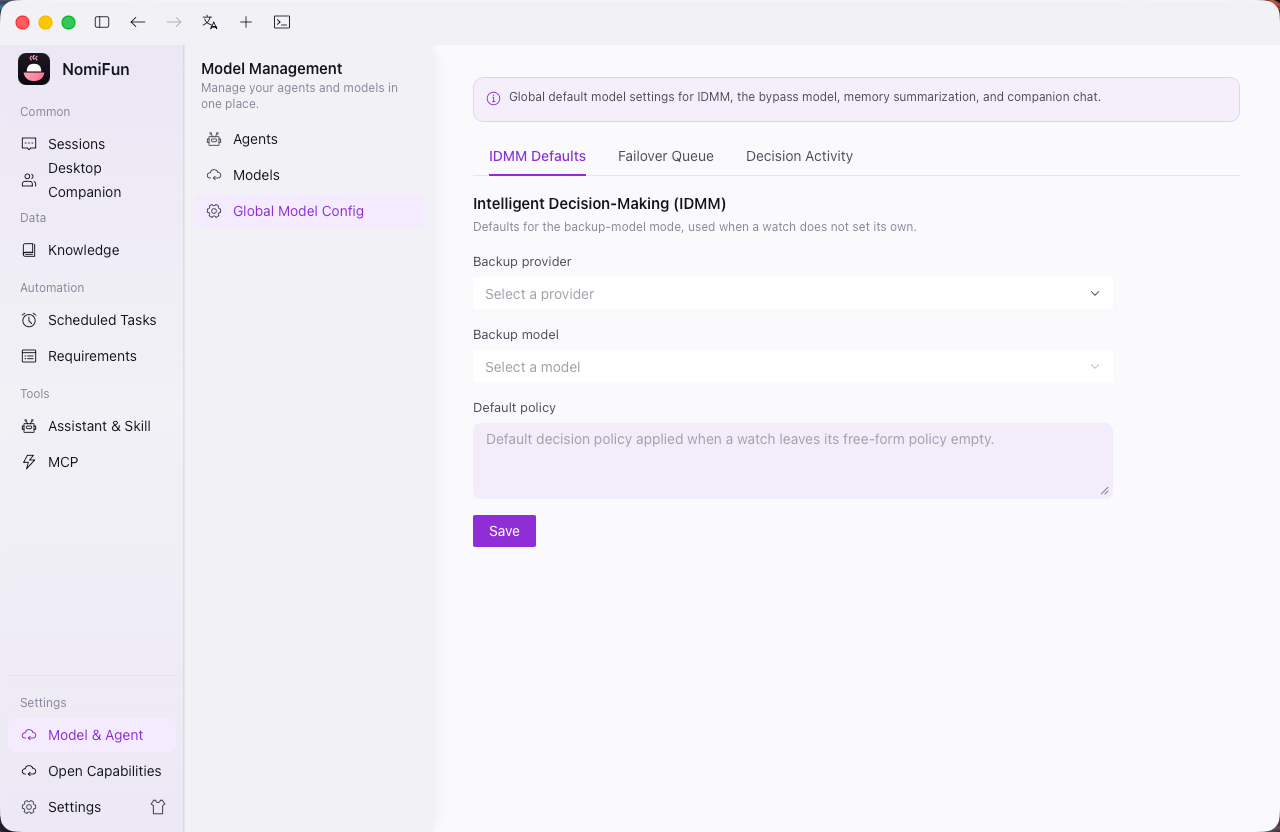
Entry point: Global config → Models (Models & Decisioning) to set defaults and review decision activity; the actual toggles are enabled per session in the session header, the same place as AutoWork.
The two layers
When a stall is detected, IDMM resolves it with the cheapest means that works, escalating only when needed:
- Rule layer (no LLM) — transient provider errors and rate limits are retried under sane backoff, repeated retry loops are detected and broken, tool spin gets an idle nudge, and read-only permissions are auto-confirmed. Fast and cheap; most interventions stop here.
- Side-model layer (backup model) — when a stall really is a decision problem the rules can’t resolve, IDMM asks a lightweight side model to make the next call so the session doesn’t deadlock. It only unblocks the turn; it doesn’t take over the work.
Steps
-
Configure defaults. On the global Models config page, review and adjust the IDMM rule-layer and side-model-layer defaults. The rule layer needs no configuration to take effect; the side-model layer uses a lightweight model from a provider you’ve already configured.
-
Enable the watches per session. Turn IDMM on in the session header of any run you intend to leave unattended — the same place you enable AutoWork. The two watches, failure-watch and decision-watch, are off by default; enable them per session as needed.
-
Let it take a checkpoint. When a session hits a genuine decision checkpoint mid-run, the side-model layer steps in with the next instruction and escorts the turn to
done/failedrather than hitting a hard timeout.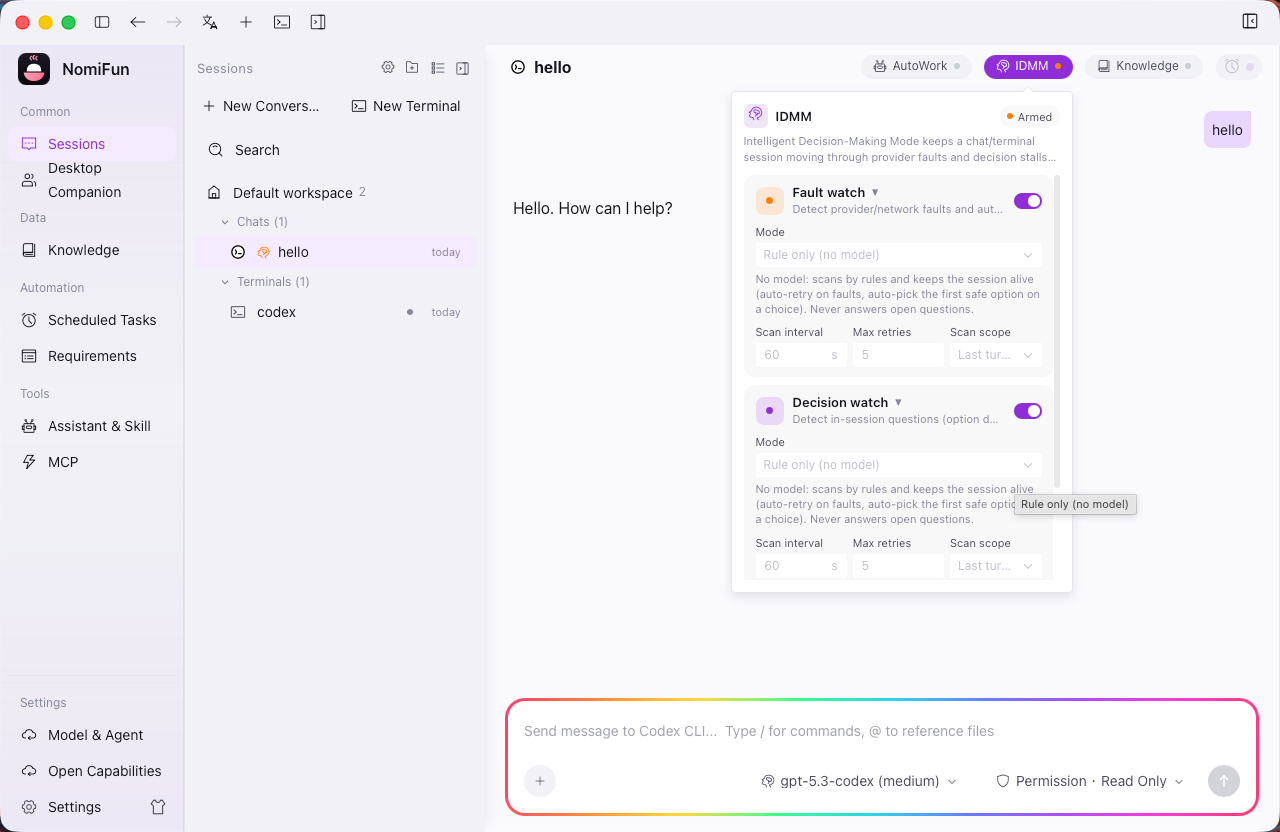
-
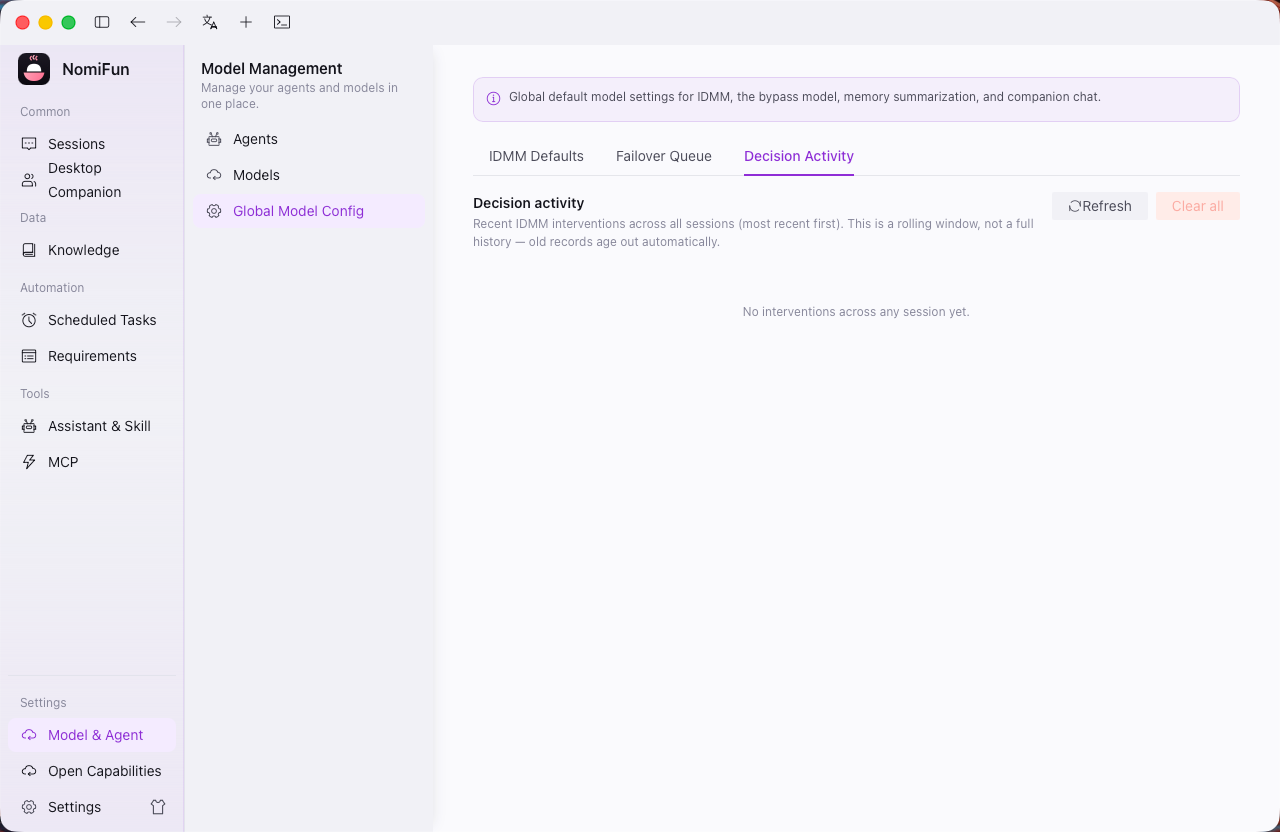
Review decision activity. In the decision activity log on the Models config page, replay when IDMM intervened, which layer resolved it, and any model switches it triggered.
Model failover
When a provider keeps failing, IDMM can trigger a model failover queue: it switches to the next available model in the order you’ve configured, up to 4 switches. This keeps a single transient failure from aborting the whole run — a backstop on top of the rule layer’s “provider failure” handling.
Notes and limits
- Off by default: neither failure-watch nor decision-watch runs by default — you enable them in the session header. The rule layer itself needs no configuration.
- Recommended on: any unattended long run — AutoWork queues, scheduled tasks, overnight batches, or long-running terminal agent sessions.
- Fine to leave off: short interactive sessions you’re watching and can nudge yourself.
- IDMM and AutoWork are independent: use either alone or stack them. When stacked, starting a turn in AutoWork asks IDMM to ensure supervision for that turn.
Related
- Unattended automation · AutoWork — the automation IDMM most often guards.
Full docs → GitHub