
Presets
A preset is a reusable conversation setup. It combines the agents, models, Skills, knowledge bases, prompt requirements, and scenarios you use together, so a new conversation can start with the full configuration in one click.
Open Presets from the sidebar, or click Use preset above the composer on the home screen.
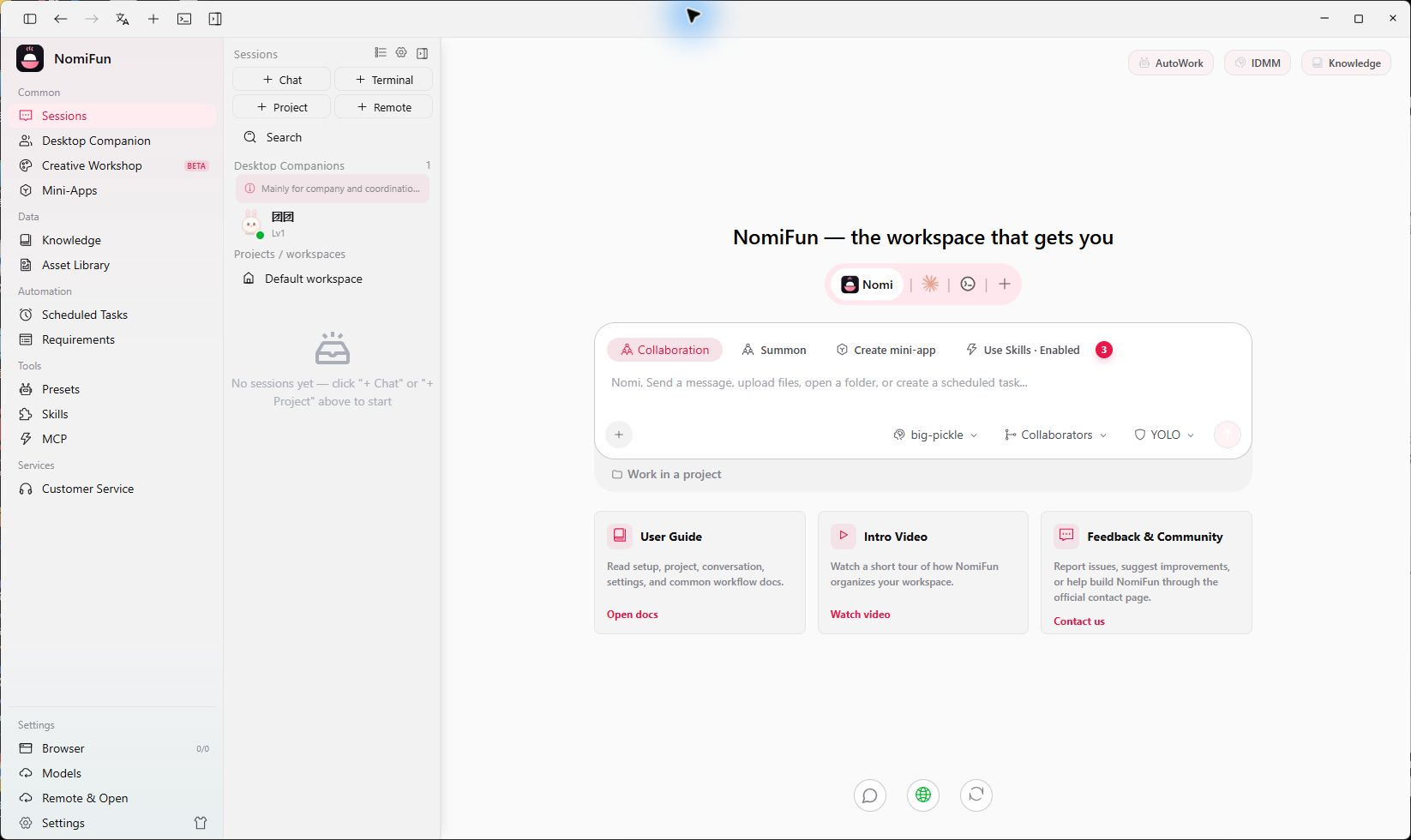
Create a preset
- Open Presets and click New.
- Add a name, description, and avatar so the preset is easy to recognize.
- Choose the primary agent and candidate models. Allow fallback when you want another available execution path to take over.
- Attach the Skills and knowledge bases this workflow normally needs.
- Write the prompt requirements: role, output format, working constraints, and quality bar.
- Add audience and scenario tags so the preset is easy to find later.
- Save it, return to the home screen, and click Use preset to apply it.
Three sources
- Builtin presets ship with NomiFun. Their content is read-only, but you can use or duplicate them.
- Extension presets come from installed extensions and are maintained by the extension.
- Custom presets are yours to edit, duplicate, enable, disable, or delete.
How presets relate to Skills
Presets decide which capabilities belong together; Skills teach an agent how to perform a workflow. The same Skill can be reused by many presets, so you do not need to duplicate its content.
If you still need a Skill, open Skills from the sidebar:
- manage local capabilities under Installed Skills;
- browse ClawHub and SkillHub rankings under Skill Market;
- inspect the details, then hand a reviewed installation draft to Nomi.
Practical tips
- Name presets after real workflows—such as “Code review,” “Weekly report,” or “Requirement breakdown”—instead of vague roles.
- Keep stable rules in the preset and put the changing goal in the conversation composer.
- Duplicate a builtin preset before customizing so the original remains available as a reference.
- For long tasks, add fallback models so a temporary provider outage does not stop the workflow.
Related
Source code and release history → GitHub